Sign in to a lab host
The desktop and web apps work through endpoints: one per lab host. Sign in once per endpoint and the explorer shows all of them side by side.
You need a lab host running clab-api-server, and a Linux account on it that is in the clab_api or clab_admins group.
Add your first endpoint
On first launch the app shows Add Endpoint:
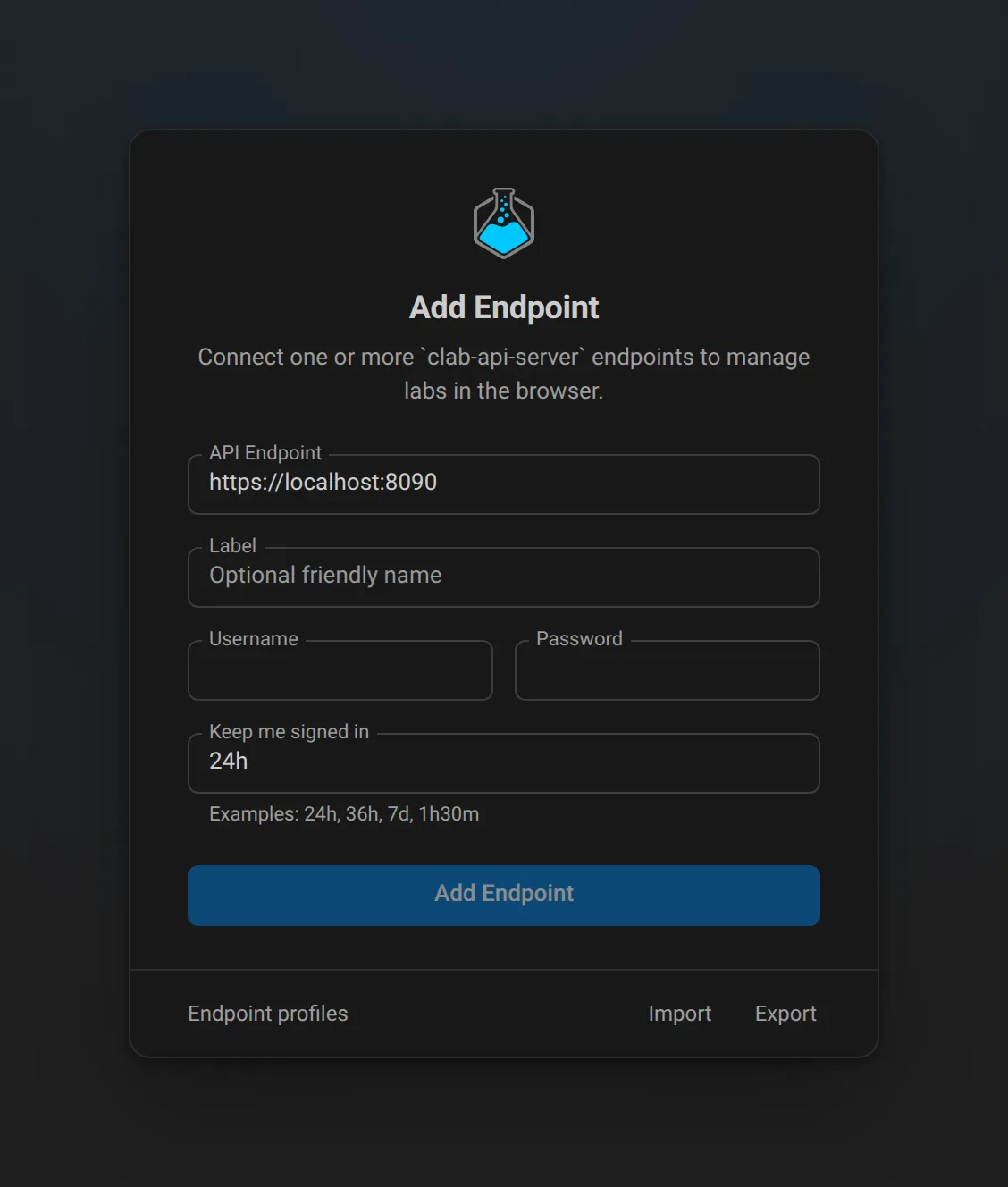
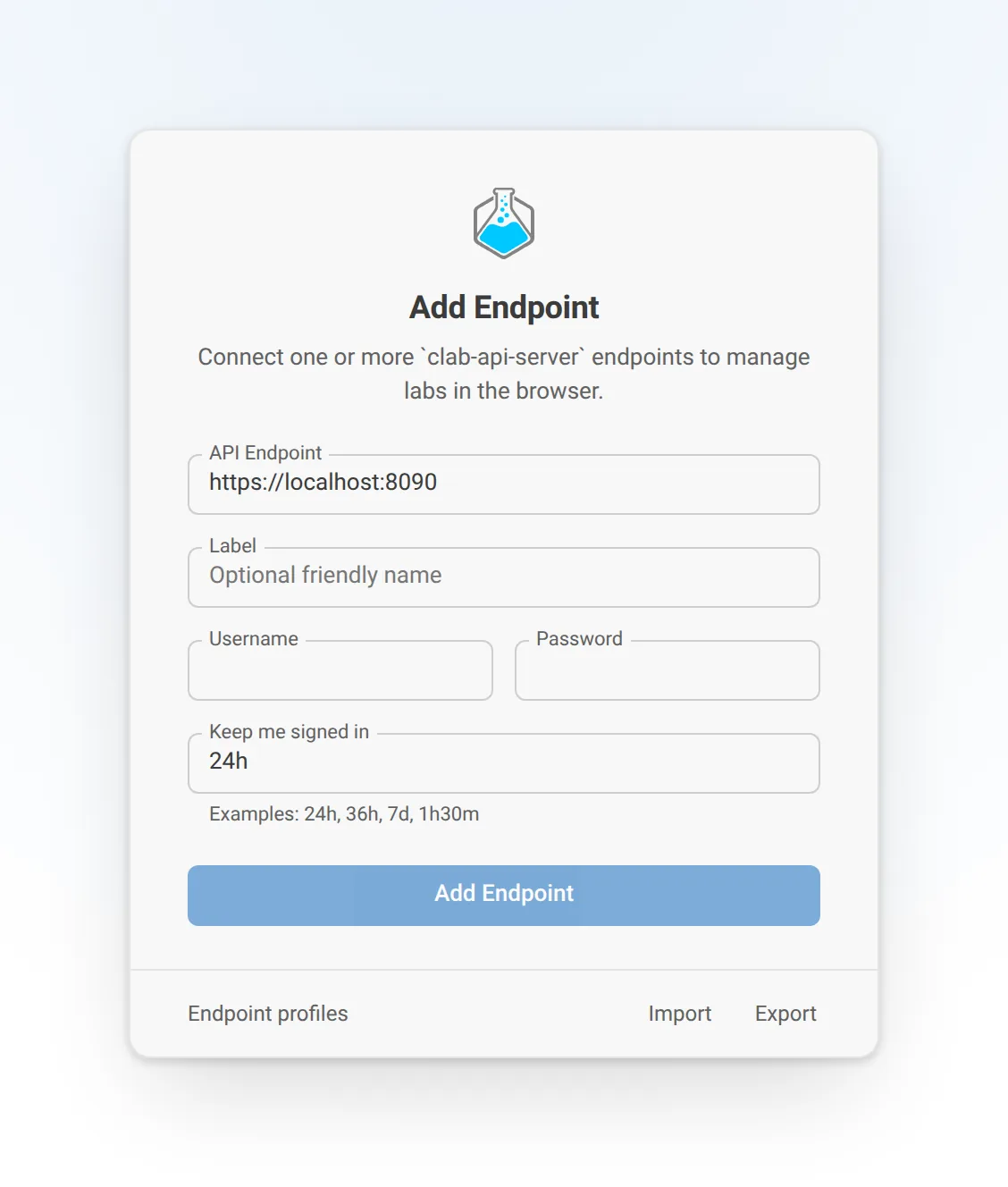
| Field | Fill in |
|---|---|
| API Endpoint | The API server URL, for example https://lab1.example.com:8090 |
| Label | A short name for the explorer, for example lab1 |
| Username, Password | Your Linux account on the lab host |
| Keep me signed in | How long the session lasts: 24h, 7d, 1h30m |
The password goes to the API server once, in exchange for a session token. The app keeps the token, not the password.
Several lab hosts
Add more endpoints from the endpoint settings. Each one keeps its own session, so you can, say, work on a shared lab server and your own VM at the same time.
- The explorer groups labs and files by endpoint.
- An action runs on the endpoint that owns the lab or file. When that is unclear, the app asks.
- Node templates are stored per endpoint and per user, under
~/.clabon the lab host. Templates you create onlab1stay onlab1.
Move endpoints to another machine
Under Endpoint profiles, Export your endpoint list and Import it in another desktop app or browser. The export contains URLs, labels, usernames, and session durations. It never contains passwords or tokens, so you sign in to each endpoint again after importing.
If sign-in fails
-
Is the API server reachable from where the app runs? For the web app, that is the web app's container, not your browser.
-
Is the service running?
-
Is your user allowed? It must exist on the lab host and be in
clab_apiorclab_admins. Group changes apply to new sign-ins.